
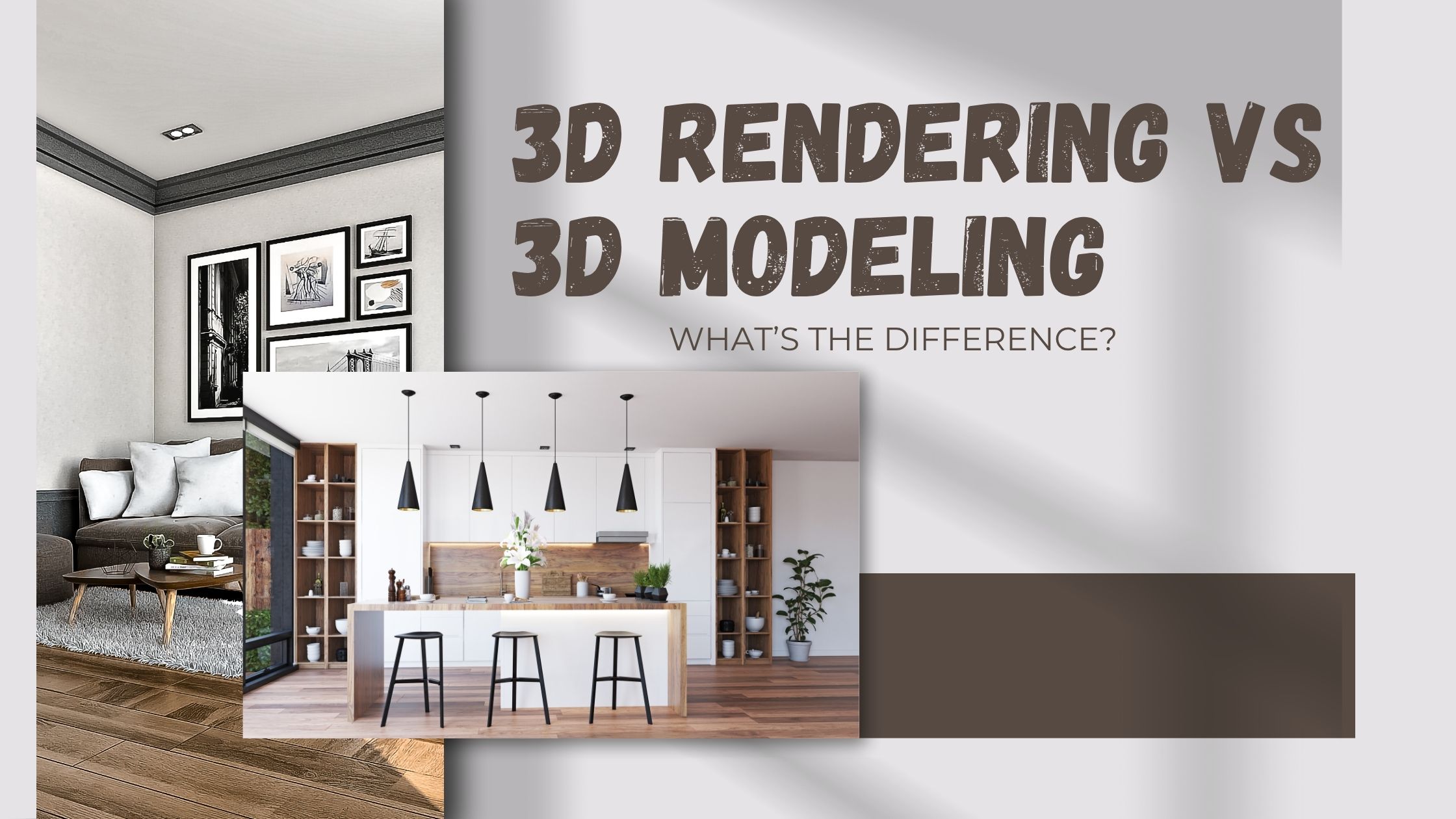
In today’s world of digital design, 3D Rendering vs 3D Modeling has become an essential part of architecture, interior design, product development, and marketing. Whether you’re designing a building, crafting furniture, or visualizing a new gadget, 3D tools make it easier to see what the final result will look like before it’s even built. However, while both 3D modeling and 3D rendering are part of the same creative process, they serve very different purposes.
In this blog, we’ll break down the difference between 3D rendering and 3D modeling, and explain how each one works.
Understanding 3D Modeling
3D modeling is the foundation of any digital visualization project. It’s the process of creating a digital three-dimensional object or structure using specialized software such as Autodesk 3ds Max, Blender, or SketchUp. Think of it as sculpting but instead of using clay or wood, designers use digital tools to form shapes, lines, and textures.
In simple words, 3D modeling builds the skeleton or structure of a design. Everything that comes later such as colors, lighting, and realistic finishes — depends on how well the 3D model is created.
How 3D Modeling Works
The process of 3D modeling involves several steps:
- Concept Creation: Designers begin by understanding the client’s vision, blueprints, or sketches.
- Wireframe Design: A base structure (or mesh) is created using points, edges, and polygons.
- Detailing: Designers add finer elements, curves, textures, dimensions to make the model realistic.
- Optimization: The model is refined for smooth rendering and better performance.
At this stage, the object exists only as a digital 3D model without lighting, color, or background.
Understanding 3D Rendering
Once the 3D model is complete, the next step is 3D rendering the process of converting the digital model into a lifelike image or animation.
This is where creativity meets technology. 3D rendering applies lighting, color, texture, and camera angles to produce photo-realistic visuals that look just like real photographs.
How 3D Rendering Works
- Material Application: Designers add realistic materials like wood, glass, metal, or fabric.
- Lighting Setup: Proper lighting is applied to highlight depth, reflection, and shadow.
- Camera Angles: Virtual cameras are positioned for the best perspective.
- Rendering Output: Specialized software processes all details and creates the final image or video.
The result is a stunning visualization of a space, product, or structure that looks ready to exist in the real world.
3D Rendering vs 3D Modeling: The Key Differences
Although both are part of the same workflow, the roles of modeling and rendering are distinct. Let’s simplify the 3D design comparison to understand the contrast clearly.
| Aspect | 3D Modeling | 3D Rendering |
| Purpose | Builds the digital structure or object | Converts the model into a lifelike image |
| Focus | Shape, size, geometry, and form | Lighting, textures, realism, and presentation |
| Output | 3D mesh or object | Photo-realistic image or animation |
| Skills Required | Technical accuracy and design knowledge | Artistic sense and visual creativity |
| Tools Used | Blender, SketchUp, Maya | V-Ray, Lumion, Corona Renderer |
| When It’s Done | Early stage of design | Final stage before presentation |
In short, 3D modeling creates the object, and 3D rendering makes it look real.
Why Both Are Essential
You cannot have one without the other. A 3D render is only as good as the model behind it. If the model lacks precision, no amount of rendering can make it accurate. Likewise, even the most detailed model needs proper rendering to look realistic and impressive.
Here’s how both work together in real-world projects:
- Architectural Design: 3D modeling builds the structure; rendering adds realism with lighting, shadows, and textures.
- Product Visualization: Modeling defines shape and function; rendering makes it appealing for marketing.
- Interior Design: Modeling outlines room layouts; rendering gives them mood, color, and depth.
Both processes combined help clients see their projects before construction or production begins, saving time and cost.
3D Design Comparison: Modeling vs Visualization
When comparing modeling vs visualization, it’s easy to see how they serve different roles in design communication.
- Modeling is technical and structural — it defines how something exists.
- Visualization (rendering) is emotional and aesthetic — it defines how something feels and looks.
In a complete 3D design pipeline:
- Modeling = Foundation
- Rendering/Visualization = Presentation
At Bottomline Studio, we blend both seamlessly ensuring your designs not only stand correctly but also shine beautifully.
Tools and Techniques Used in 3D Modeling and Rendering
At Bottomline Studio, our designers use industry-leading software and advanced rendering engines to ensure every project stands out in clarity and realism.
For 3D Modeling:
- Autodesk 3ds Max
- Blender
- SketchUp
- Rhino
- Maya
For 3D Rendering:
- V-Ray
- Corona Renderer
- Lumion
- Enscape
- Unreal Engine
Using these tools, we craft 3D models with precise geometry and render them into photo-realistic visuals that match real-world textures, lighting, and shadows.
Applications of 3D Modeling and Rendering
Both 3D modeling and rendering have wide-ranging applications across industries.
1. Architecture and Real Estate
Architects use 3D modeling to plan structures and spaces. Rendering helps them present designs to clients or investors with realistic lighting, textures, and landscaping.
Bottomline Studio specializes in architectural visualization, helping real estate firms and architects showcase projects before they’re built, turning sketches into visually stunning renders.
2. Interior Design
Interior designers rely heavily on 3D visualization to present furniture layouts, materials, and lighting options to clients.
Our 3D rendering services bring every detail to life from the shine of marble flooring to the glow of pendant lights.
3. Product Design
Brands and manufacturers use 3D product modeling to create precise designs before manufacturing.
Our 3D product rendering services help businesses create marketing visuals that look exactly like real photos perfect for eCommerce and advertising.
4. Animation and Marketing
Rendered visuals can also be turned into 3D animations, giving clients dynamic walkthroughs of architectural spaces or product showcases.
Bottomline Studio offers 3D walkthroughs and animation services that captivate and convert audiences.
How Bottomline Studio Helps You Visualize Better
At Bottomline Studio, we specialize in both 3D modeling and 3D rendering, offering a complete visualization solution from start to finish.
Here’s how we help our clients:
1. End-to-End Service
From creating accurate 3D models to producing photo-realistic renders, we handle every step ensuring consistency, accuracy, and beauty in your visuals.
2. Tailored for Every Industry
Whether you’re an architect, interior designer, product developer, or real estate firm, we customize our visualization services to fit your needs.
3. High-Quality, Fast Turnaround
We combine technical expertise with artistic creativity, delivering high-quality 3D visuals quickly without compromising detail or realism.
4. Realism That Inspires
Our 3D renders are crafted with precision lighting, natural materials, and true-to-life perspectives helping you make strong visual presentations that impress clients.
5. Global Experience
Serving clients across the USA and beyond, Bottomline Studio is trusted for professional-grade visualization that enhances design communication and decision-making.
Why Understanding the Difference Matters
Knowing the difference between 3D rendering and 3D modeling helps you communicate better with your design team.
It ensures you know what to expect at each stage from concept to completion.
For example:
- If you need a 3D model for design adjustments, focus on geometry and accuracy.
- If you need a 3D render for client presentation or marketing, focus on realism and aesthetics.
At Bottomline Studio, our experts handle both seamlessly — creating 3D models that are structurally sound and rendering them into visuals that truly sell the vision.
Conclusion
In summary, when comparing 3D rendering vs 3D modeling, the key difference lies in their purpose and output. 3D modeling focuses on creating the digital foundation defining the structure, shape, and form of an object or space. It’s the technical phase where designers build the framework that represents the concept in three dimensions.
On the other hand, 3D rendering brings that model to life by transforming it into a photo-realistic visual, complete with lighting, textures, and details that make it look real and appealing. Both processes are essential parts of the 3D design journey, working together to turn imagination into a stunning visual reality.
FAQs: 3D Rendering vs 3D Modeling
1. What is the main difference between 3D modeling and 3D rendering?
3D modeling is the process of creating the digital structure or framework of an object, while 3D rendering converts that model into a realistic visual with lighting, textures, and effects.
2. Why is 3D modeling important in the design process?
3D modeling is crucial because it forms the foundation of any 3D project. It defines the shape, size, and structure of the object or space before adding realistic details through rendering.
3. What is the purpose of 3D rendering?
The purpose of 3D rendering is to transform 3D models into lifelike visuals that help clients, investors, or designers visualize the final outcome before construction or production begins.
4. Can 3D rendering be done without 3D modeling?
No, 3D rendering cannot be done without 3D modeling. A 3D model acts as the base structure, and rendering adds realism to that model using light, texture, and environment settings.
5. What software is commonly used for 3D modeling and rendering?
Popular 3D modeling tools include Blender, SketchUp, AutoCAD, and 3ds Max. For rendering, designers often use V-Ray, Lumion, Corona, or Unreal Engine to produce realistic visuals.