
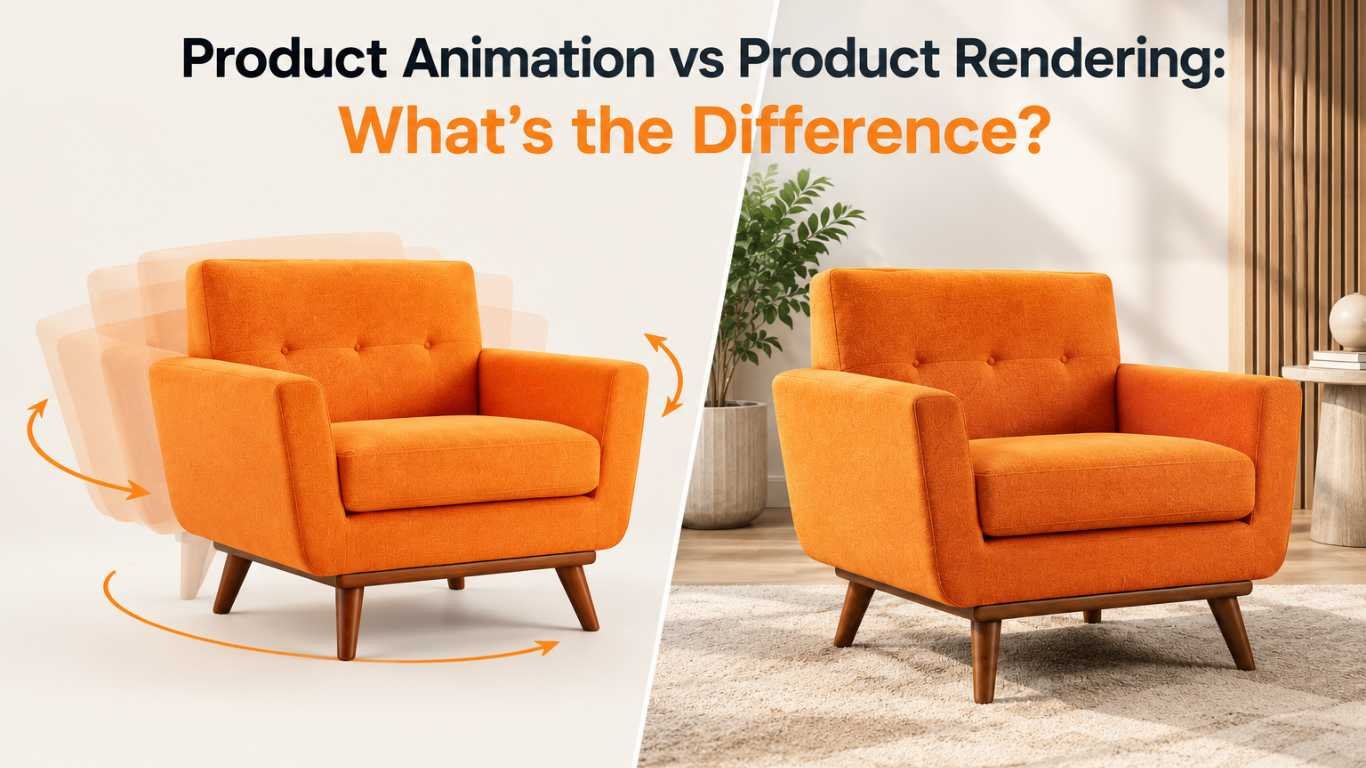
With the departure of traditional photography, two terms are repeatedly used in modern product animation vs product rendering. Although they are frequently confused, product animation is different from product rendering and has its own distinct purpose, process and application. Knowing the difference can assist you to decide which route to go for your next marketing campaign, product launch or listing on your Ecommerce website.
What Is Product Rendering?
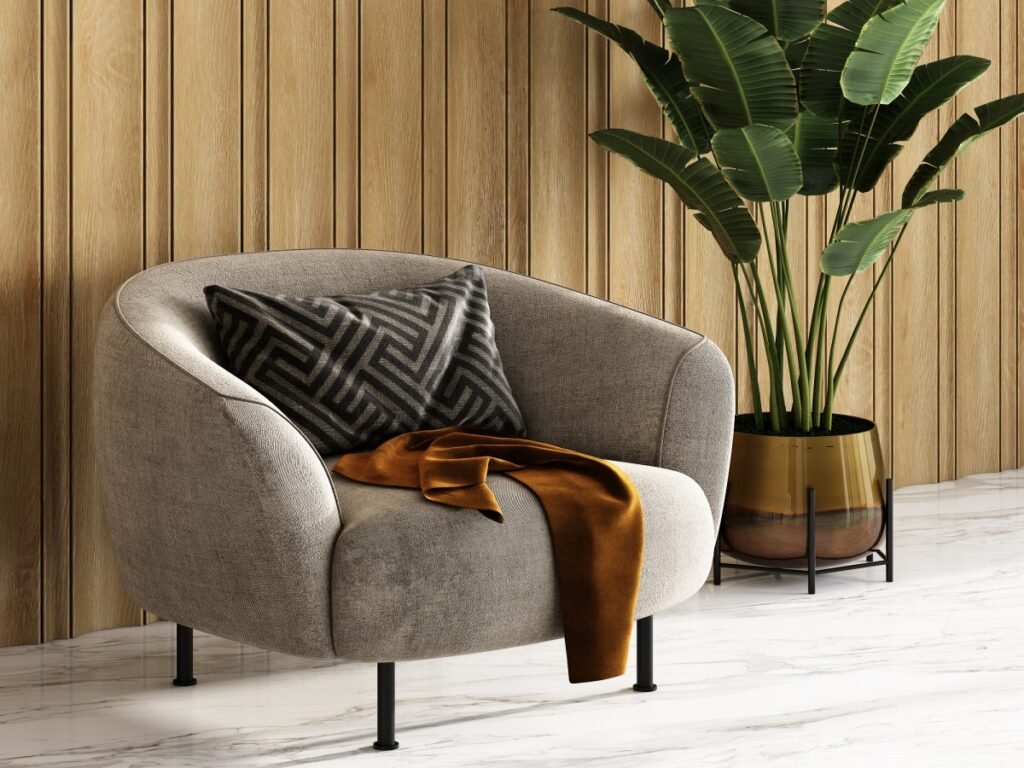
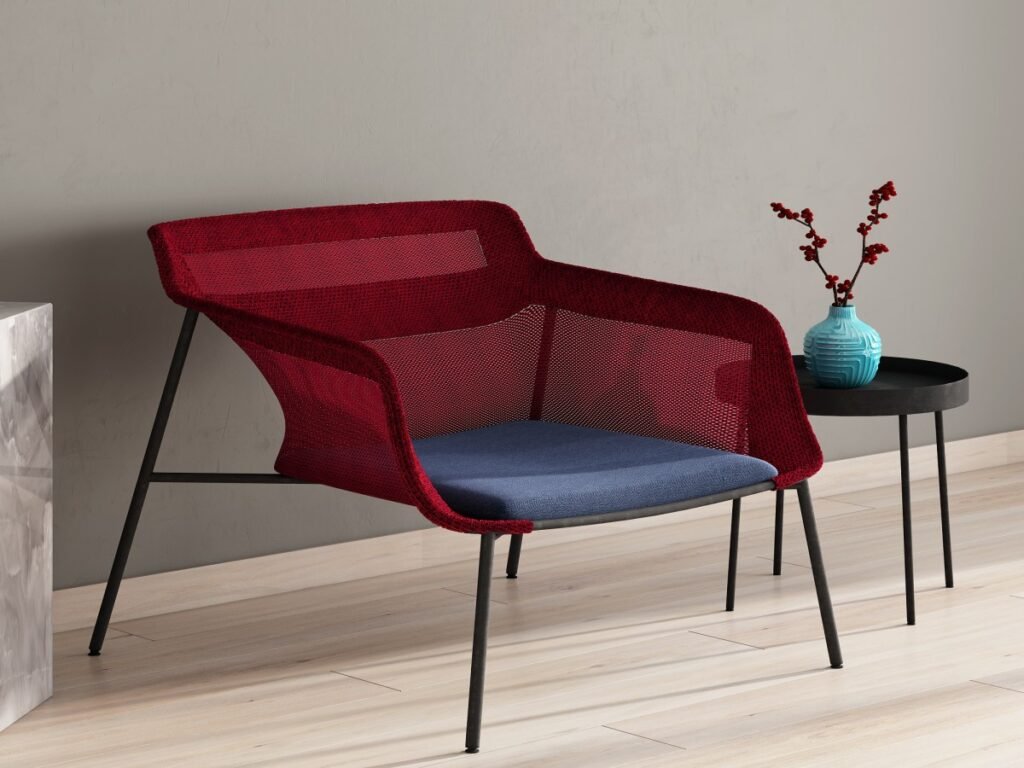
Product rendering is a one time static photorealistic look of a product produced in 3D modeling software. The 3D artist creates a virtual model of the product, textures and materials it with realistic properties, lights up the model and creates a 2D photo-like image (still).
Many people use 3D product rendering instead of regular photos due to its flexibility. Once there is a 3D model, however, it can be rendered in various colors, backgrounds and angles without having to conduct a physical photoshoot. The ultimate goal of rendering is always a still image, be it for a product listing, catalog or marketing banner.
What Is Product Animation?
Product animation is the use of the same 3D model that is used to render, but this time it is animated over time. 3D product animation can feature a product rotating, be assembled, open and close, or work in real-life situations, all displayed frame-by-frame in a video sequence.
Because Animation is dynamic, it is always more dynamic than the rendering process, which expresses a functionality or a story. For instance, a product demo animation could be used to illustrate a kitchen appliance step by step, which you just can’t get across with a static image.
Key Differences Between Product Animation and Product Rendering
1. Output Format
The most apparent difference is the product. Product rendering creates a still image of a product, and product animation creates a video or moving sequence of a product. Most of the other differences between the two techniques are related to this single point.
2. Purpose and Use Case
The most common uses of rendering are:
- E-commerce product listings
- Create a catalogue of images and lookbook.
- Print banners and marketing materials
- Packaging visualization
Animations are usually created for:
- Product demo animation for websites/ Social media platforms
- Assembly or usage instructions
- Approximate 3D representations of app or software walks through
- Videos for trade shows and presentations
3. Production Complexity
Both begin with a 3D model, but animation may involve more elements such as rigging (configuring movement points), keyframing (creating the sequence of movements through time), sound and/or motion graphics integration. This usually slows animation projects down and increases cost, but not as much as using a real product for video, and will be less expensive than the video will be for a single rendered image.
4. Level of Detail Required
Product rendering requires a high amount of detail in a single image as the viewer can be able to closely look at the image. Animation tends to be more flexible in terms of making things look pretty in every frame, because the audience is viewing it while it is moving and not viewing a single frame.
When Should You Use Product Rendering?
If you’re aiming to promote the look of a product, you should opt for product rendering. This includes:
- Online store listings (viewing static images)
- Print catalogs, brochures and packaging design
- Multiple colors and/or materials for the same product
- Focusing on situations where high-resolution still images are needed for several platforms.
The use of this type 3D rendering is particularly useful for industries such as furniture, electronics and cosmetics, where customers wish to get a closer look at the design and the finish before buying.:
When Should You Use Product Animation?
Use product animation if you want to explain, demonstrate or engage more than you want to display. This includes:
- Producing complex product functionality through product demo animation
- Mobile marketing and proven effectiveness in capturing attention through movement, rather than still images
- Explaining the procedure for assembling or showing the internal mechanisms.
- Emotional engagement through storytelling in ads – how to do it.How to establish emotional engagement with storytelling in ads.
For tech gadgets, household appliances, and industrial machinery, 3D product animation comes in handy especially when the customers can see the product in action instead of just viewing.
Can You Use Both Together?
Yes, and a lot of brands do. A typical project process is to make a base 3D model, use it for photorealistic product rendering (for listings and catalogs) and use it for animation work, like in our 3D walkthrough animation projects (for demo videos and social media content). This way, the 3D modeling investment can be used for a variety of content types, allowing for better ROI.
Cost and Time Considerations
Typically, rendering time and cost per asset is lower as only one frame has to be rendered. Usually animation, which consists of several frames, motion design and may include sound takes longer and is more expensive. If, however, there is a particular product that requires a demonstration (such as tech gadgets, machinery, or furniture assembly), it pays off to invest in a product demo animation because it helps customers better understand the product and it can help to decrease support calls.
Also Read: Best Industries Using 3D Product Visualization Today
FAQs
1. Is product animation more expensive than product rendering?
In most cases, yes – animation involves making many frames, motion design and maybe sound, while rendering involves just one still image.
2. Can the same 3D model be used for both rendering and animation?
Yes, a cost-efficient approach as the same base 3D model can be used for both the creation of photorealistic product rendering for still images and for 3D product animation for videos.
3. Which is better for e-commerce product listings, rendering or animation?
For ecommerce, the ideal images are product renderings as customers want to see something static that they can zoom in on, but a quick animation can be included in the listing to engage the customers.
4. What is a product demo animation used for?
A product demo animation is used to demonstrate the product by taking the viewer through the various features, assembly or product functions, something that static images can not do.
5. Do I need both product rendering and product animation for my brand?
While not always true, many brands find that both are useful as rendering is great for catalogs and listings, and animation is effective for marketing videos and social media interaction.
Final Thoughts
The product animation vs product rendering difference is reduced to knowing where each is best used. For high resolution still images that can be used for listings, packaging or catalogs, photorealistic product rendering is the proper option. For showing the functions, telling a story, or grabbing attention on social media, it’s better to choose 3D product animation. Many of the successful approaches involve an application of both, the same 3D asset is utilized to create a full visual system on various formats.
